
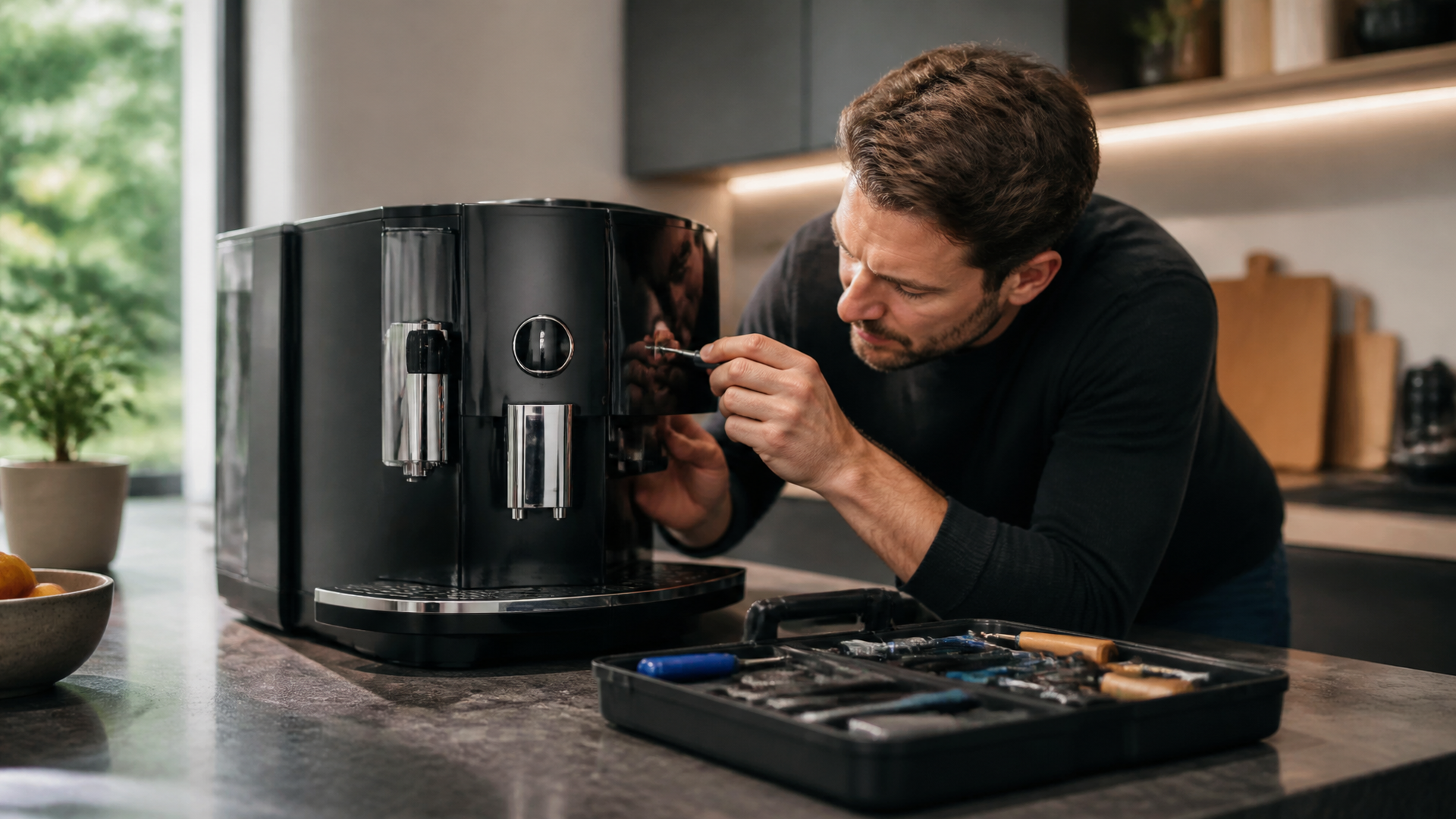
Fixing Your Jura Coffee Maker: A Simple Reset
Quick answer
- A Jura coffee maker reset often fixes minor glitches and communication errors.
- Most Jura models have a specific reset sequence, usually involving unplugging and replugging.
- Check your Jura’s user manual for the exact reset procedure for your model.
- Ensure the machine is completely powered down before attempting a reset.
- A full factory reset might be necessary for persistent issues, but this wipes settings.
- If a reset doesn’t work, it could be a more complex hardware problem.
If you’re in the market for a new machine, consider a reliable Jura coffee maker, known for its quality and performance.
No products found.
What this problem usually is (and is not)
This “problem” is usually a temporary software hiccup. Think of it like your phone freezing up. A simple restart often does the trick.
It’s not usually a sign of a broken part. You’re not going to blow anything up trying a reset.
It’s also not a sign you need to replace your machine immediately. Most of these issues are fixable with a little patience.
Don’t confuse a reset with descaling or cleaning. Those are maintenance tasks, not troubleshooting steps for electronic glitches.
Likely causes (triage list)
Power Interruption:
- Unplugged briefly: The machine lost power unexpectedly or was unplugged mid-cycle. Confirm it was plugged in securely.
- Power surge: A brief fluctuation in your home’s electricity can cause temporary issues.
Software Glitches:
- Temporary freeze: The internal computer just needs a refresh. This is the most common reason for a reset.
- Communication error: Internal components might not be talking to each other correctly.
User Error (Minor):
- Incorrect button press sequence: Sometimes, you might accidentally trigger a weird state.
- Settings conflict: Though rare, conflicting user settings could cause odd behavior.
Machine Setup:
- Water tank not seated correctly: The machine might not boot up properly if sensors don’t detect the tank.
- Drip tray full sensor: A full drip tray can sometimes trigger unusual error messages.
Fix it step-by-step (brew workflow)
This guide focuses on a general power cycle reset. Your Jura’s specific model might have slightly different steps. Always refer to your manual if unsure.
1. Acknowledge the Issue: Notice the error message or unusual behavior. Don’t panic.
- Good: You’ve identified that something isn’t quite right.
- Mistake: Ignoring it and hoping it goes away. This usually makes things worse.
2. Power Down Completely: Turn off the machine using its main power switch, if available.
- Good: The machine is off and no lights are illuminated.
- Mistake: Just pressing a button that puts it in standby. You need it off.
3. Unplug from the Wall: Disconnect the power cord from the electrical outlet.
- Good: The cord is completely out of the wall socket.
- Mistake: Leaving it plugged in. This doesn’t fully reset the electronics.
4. Wait Patiently: Leave the machine unplugged for at least 1-5 minutes. Some folks swear by longer, but this is usually enough.
- Good: You’re letting all the capacitors discharge and the system to fully reset.
- Mistake: Rushing this step. Patience is key here.
5. Check Connections: While it’s unplugged, ensure the water tank is properly seated and the drip tray is empty and correctly in place.
- Good: All removable parts are secure and correctly aligned.
- Mistake: Assuming everything is fine without a quick visual check.
6. Plug Back In: Reconnect the power cord to the electrical outlet.
- Good: The cord is securely plugged into the wall.
- Mistake: Using a different, potentially faulty, outlet without testing it first.
7. Power On: Turn the machine back on using its main power switch.
- Good: The machine powers up and goes through its normal startup sequence.
- Mistake: Pressing a random button instead of the main power switch.
8. Observe Startup: Watch for the usual startup lights and sounds. It might take a moment to re-initialize.
- Good: The display shows a normal ready state or prompts for initial setup if it was a full factory reset.
- Mistake: Assuming it’s fixed before it even finishes its boot-up.
9. Test Brew (Optional but Recommended): Run a quick water-only cycle or a short coffee brew.
- Good: The machine operates normally and produces coffee or hot water.
- Mistake: Not testing it, then having the same problem later when you really need coffee.
10. Check Settings (If Applicable): If your machine has a full factory reset, you might need to re-enter your preferred language, coffee strength, or temperature.
- Good: Your preferred settings are re-established.
- Mistake: Forgetting how you had it set and leaving it on default.
Prevent it next time
- Regular Cleaning: Follow Jura’s recommended cleaning schedule for brew units and exterior.
- Descaling: Descale when prompted. Use only Jura-approved descaling solutions.
- Water Quality: Use filtered water. Store water in a clean, covered container.
- Correct Ratio: Don’t overfill the bean hopper or bypass doser.
- Filter Use: Always use the correct type of filter and ensure it’s seated properly.
- Power Stability: Plug your Jura into a surge protector.
- Empty Drip Tray: Don’t let the drip tray get too full.
- Smooth Startup: Avoid unplugging during a brew cycle.
- Manual Check: Keep your Jura’s user manual handy for specific troubleshooting.
Common mistakes (and what happens if you ignore them)
| Mistake | What it causes | Fix |
|---|---|---|
| Ignoring error messages | Minor issues become major, machine may shut down. | Perform a reset, check manual for specific error codes. |
| Unplugging during a brew cycle | Corrupted software, potential hardware strain. | Wait for the cycle to complete before unplugging or powering off. |
| Using incorrect cleaning tablets/solutions | Damage to internal components, voided warranty. | Always use Jura-approved cleaning products. |
| Not descaling regularly | Mineral buildup, reduced performance, leaks. | Follow the descaling prompts and use the correct solution. |
| Using tap water | Rapid scale buildup, affects taste. | Use filtered or bottled water. |
| Forgetting to empty the drip tray | Overflow, mess, sensor errors. | Empty the drip tray when prompted or at least daily. |
| Not reseating the water tank properly | Machine won’t start, error messages. | Ensure the water tank clicks into place securely. |
| Overfilling the bean hopper | Grinder issues, uneven dosing. | Fill only to the indicated level. |
| Forcing parts that don’t fit | Broken plastic, damaged seals. | Refer to the manual; parts are designed to fit a specific way. |
| Skipping the initial startup sequence | Incorrect settings, machine may not function. | Follow the on-screen prompts during the first startup after a reset. |
Decision rules (simple if/then)
- If the machine shows an error code like “Error 8” or “Error 10,” then check the manual for that specific code because Jura error codes indicate particular problems.
- If the machine is completely unresponsive (no lights, no sounds), then try a different outlet and check the circuit breaker because it might be a power supply issue.
- If the machine starts but then immediately shuts down, then check the water tank and drip tray for proper seating because these sensors can prevent operation.
- If coffee is weak or watery after a reset, then check the coffee grind size and amount because the reset might have reverted to default settings.
- If the machine makes unusual noises after a reset, then stop immediately and consult the manual or service because it could indicate a mechanical issue.
- If the display is frozen on a message, then unplugging and waiting is the correct first step because it’s likely a software freeze.
- If the reset resolves the issue temporarily but it returns quickly, then it might be a deeper software bug or an intermittent hardware fault requiring service.
- If you have a newer Jura model with a touchscreen, and it’s unresponsive, then a power cycle is the first troubleshooting step because touchscreens can freeze.
- If the machine only fails to heat water but brews otherwise, then the heating element might be the issue, and a reset probably won’t fix it.
- If the machine is consistently producing bitter coffee after a reset, then it’s likely a grind setting or bean freshness issue, not a reset problem.
FAQ
How do I perform a factory reset on my Jura coffee maker?
Consult your specific Jura model’s user manual. Factory resets usually involve holding down specific buttons while powering on the machine, and they will erase all custom settings.
Will resetting my Jura wipe my coffee preferences?
Yes, a factory reset will revert all settings to their original default state. A simple power cycle reset, however, usually preserves your preferences.
What if the reset doesn’t fix the problem?
If a power cycle or factory reset doesn’t resolve the issue, it’s likely a more complex problem, such as a faulty sensor, pump, or heating element. You’ll need to consult your manual for further troubleshooting or contact Jura support.
How long should I leave my Jura unplugged during a reset?
Leaving it unplugged for 1-5 minutes is generally sufficient to discharge the internal components and allow for a full system reset.
Can I reset my Jura if it’s showing a specific error code?
Yes, you can try a reset first. However, specific error codes often point to particular issues, so check your manual for the meaning of the code before or after resetting.
Is it safe to reset my Jura coffee maker?
Yes, performing a standard power cycle reset is perfectly safe. A factory reset is also safe but will erase your settings.
My Jura is making a loud grinding noise after a reset. What should I do?
Stop using the machine immediately and unplug it. Loud grinding noises can indicate a serious mechanical issue with the grinder or brew unit. Refer to your manual or contact service.
What this page does NOT cover (and where to go next)
- Specific troubleshooting for individual error codes beyond general advice. (Next: Consult your Jura user manual or Jura’s support website for detailed error code explanations.)
- Repairing or replacing internal mechanical parts like pumps, heating elements, or grinders. (Next: Contact Jura customer service or an authorized repair center.)
- Deep cleaning procedures for the brew unit or internal mechanisms. (Next: Follow the detailed cleaning instructions in your Jura manual or explore Jura’s official maintenance guides.)
- Diagnosing electrical faults beyond checking the power outlet and surge protector. (Next: If you suspect an electrical issue with your home’s wiring, consult a qualified electrician.)
- Modifying the machine’s software or hardware. (Next: Do not attempt unauthorized modifications, as this will void your warranty and can damage the machine.)