
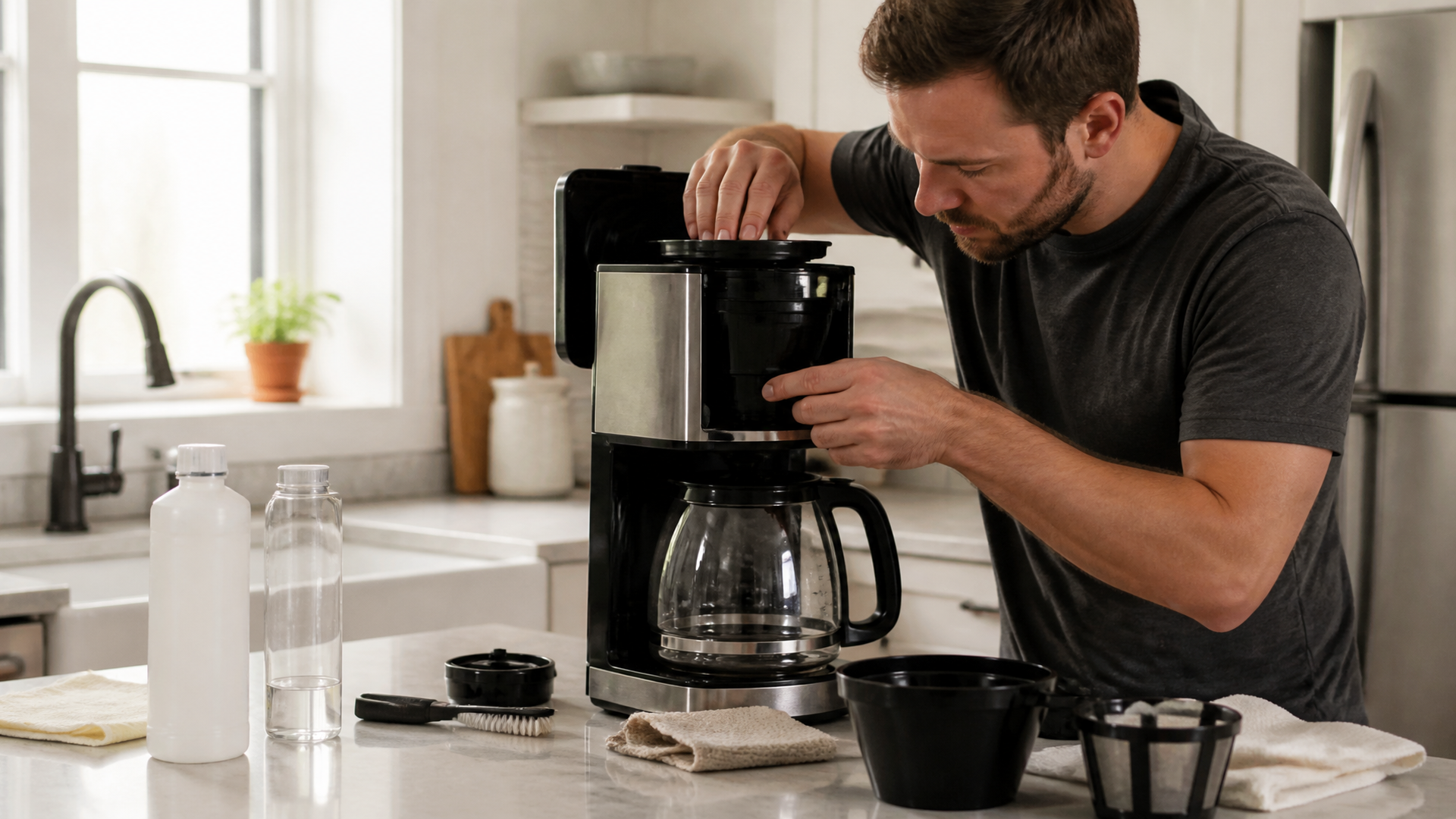
Resetting the Clean Light on Your Cuisinart Coffee Maker
Quick answer
- The clean light is usually a reminder to descale your machine.
- You’ll typically need to run a descaling cycle with water and vinegar or a descaling solution.
- After the cycle, you’ll rinse by running several plain water cycles.
- Holding down the “Clean” button for a few seconds often resets the light after the process.
- Check your specific Cuisinart model’s manual for exact instructions.
What this problem usually is (and is not)
- The “Clean” light on your Cuisinart coffee maker is a programmed reminder. It pops up after a certain number of brew cycles, regardless of whether your machine actually needs cleaning.
- It’s not necessarily an indicator of a malfunction. Think of it like your car’s oil change light – it’s a prompt, not a diagnosis.
- It doesn’t mean your coffee tastes bad yet. But if you ignore it, it might soon.
- This light is tied to the brewing system, not the water reservoir or the carafe.
Likely causes (triage list)
Timer-Based Reminder:
- The machine has simply reached its programmed cleaning interval. This is the most common reason. To confirm, check your Cuisinart manual for the typical number of brew cycles before the light activates.
Incomplete Descaling Cycle:
- You may have started a descaling cycle but didn’t complete it fully. This can happen if the cycle was interrupted or if the rinse cycles weren’t run properly. Confirm by reviewing the steps you took last time the light came on.
Incorrect Reset Procedure:
- You might have performed the descaling process but didn’t follow the exact steps to reset the light itself. This often involves holding a specific button for a set time. Double-check the manual for the reset sequence.
Filter Basket Issues (Less Common for Clean Light):
- While not directly tied to the clean light’s activation, a clogged filter basket can affect brew quality, which might lead you to think something is wrong with the machine overall. This is unlikely to trigger the clean light, though.
Water Quality (Indirect):
- Hard water builds up scale faster, making the machine actually need descaling sooner. This doesn’t directly trigger the light but means you’ll be dealing with real scale buildup if you ignore the reminder.
Fix it step-by-step (brew workflow)
This is how you typically get that clean light off your Cuisinart. It’s a pretty standard process, but your model might have slight variations. Always good to have the manual handy.
1. Prepare the Cleaning Solution:
- What to do: Fill the water reservoir with a 1:1 mixture of white vinegar and water, or use a commercial descaling solution according to its instructions. For a typical 12-cup Cuisinart, this might be around 4 cups of vinegar and 4 cups of water.
- What “good” looks like: The reservoir is filled to the max line with your cleaning solution.
- Common mistake: Using straight vinegar. It’s strong, but diluting it helps it work through the system without being overly harsh.
2. Place the Carafe and Filter:
- What to do: Put the empty carafe on the warming plate and ensure the brew basket is in place. You can optionally place a paper filter in the basket, though it’s not strictly necessary for the descaling cycle itself.
- What “good” looks like: Everything is positioned correctly, just like you’re about to brew coffee.
- Common mistake: Forgetting to put the carafe back. The machine won’t brew if it doesn’t detect a carafe.
3. Initiate the Clean Cycle:
- What to do: Press and hold the “Clean” button. The duration varies by model, but it’s usually 5-10 seconds. The light should start blinking or stay solid, indicating the cycle has begun.
- What “good” looks like: The “Clean” light stops blinking and either stays on or starts blinking continuously, signaling the cycle is active.
- Common mistake: Not holding the button long enough. You need to give it a solid press and hold.
4. Let the Cycle Run:
- What to do: Allow the machine to complete the entire descaling cycle. This can take 30-60 minutes or even longer, as it brews the cleaning solution slowly through the machine.
- What “good” looks like: The machine stops dripping, and the “Clean” light may turn off or remain illuminated, depending on the model.
- Common mistake: Interrupting the cycle by turning the machine off. You need to let it finish its full brew.
5. Discard the Cleaning Solution:
- What to do: Once the cycle is complete, carefully pour out the hot vinegar/water mixture from the carafe. Rinse the carafe.
- What “good” looks like: The carafe is empty and clean.
- Common mistake: Not discarding the solution. You don’t want to drink that!
6. Rinse with Plain Water (First Cycle):
- What to do: Fill the water reservoir with fresh, cold water to the maximum fill line. Place the empty carafe back on the warming plate. Run a full brew cycle using only water.
- What “good” looks like: The machine brews a full pot of plain water.
- Common mistake: Not filling the reservoir to the top. You want to flush out all the residual cleaning solution.
7. Discard Rinse Water:
- What to do: Empty the carafe of the plain water.
- What “good” looks like: The carafe is empty.
8. Repeat Rinse Cycles:
- What to do: Repeat steps 6 and 7 at least two more times. Some manuals recommend up to three full rinse cycles.
- What “good” looks like: You’ve run multiple pots of plain water through the machine, ensuring no vinegar taste or smell remains.
- Common mistake: Only running one rinse cycle. You’ll still get a vinegary taste in your coffee if you don’t rinse thoroughly.
9. Final Reset (If Needed):
- What to do: If the “Clean” light is still on after the rinsing cycles, try pressing and holding the “Clean” button again for 5-10 seconds. Some models require this step even after a successful descaling.
- What “good” looks like: The “Clean” light turns off.
- Common mistake: Assuming the light will turn off automatically after rinsing. Sometimes a manual reset is required.
Prevent it next time
- Descale Regularly: Aim to descale every 2-3 months, or more often if you have hard water. Check your Cuisinart manual for its specific recommendation.
- Use Filtered Water: This significantly reduces mineral buildup, meaning less scale and a cleaner machine. It also tastes better.
- Clean the Basket and Carafe Daily: Wash them after each use with soap and water.
- Don’t Ignore the Light: When the “Clean” light comes on, tackle it. It’s a reminder, not a punishment.
- Check the Manual: Seriously, your specific Cuisinart model might have a quirk. Keep that manual handy.
- Proper Coffee-to-Water Ratio: Too much coffee grounds can clog the filter, leading to overflow, which is a different issue but still a pain.
- Use the Right Filters: Ensure you’re using the correct type and size of filter for your Cuisinart.
- Unplug When Not In Use: Basic electrical safety, and it doesn’t hurt.
Common mistakes (and what happens if you ignore them)
| Mistake | What it causes | Fix |
|---|---|---|
| Ignoring the “Clean” light | Mineral buildup, slower brewing, inconsistent coffee temperature, eventual clog | Perform a descaling cycle as outlined above. |
| Using straight vinegar | Can be too harsh on internal components, leaves strong odor/taste | Dilute vinegar with water (1:1 ratio) or use a dedicated coffee descaling solution. |
| Not completing the full descaling cycle | Cleaning solution remains in the machine, “Clean” light stays on | Run the full descaling cycle without interruption, followed by multiple rinse cycles. |
| Not running enough rinse cycles | Vinegar taste/smell in coffee, potential for residual cleaning solution | Run at least 2-3 full pots of plain water through the machine after descaling. |
| Forgetting to put the carafe back | Machine won’t brew, water backs up into the brew basket | Always ensure the carafe is properly seated on the warming plate before starting any brew or clean cycle. |
| Using tap water with high mineral content | Faster scale buildup, requires more frequent descaling | Switch to filtered or bottled water for brewing. |
| Not holding the “Clean” button long enough | Cycle doesn’t start, “Clean” light remains on | Press and hold the “Clean” button firmly for the specified duration (usually 5-10 seconds) until the light indicates the cycle has begun. |
| Not performing the manual reset | “Clean” light stays illuminated even after descaling | After completing all rinse cycles, press and hold the “Clean” button again for 5-10 seconds to manually reset the indicator. |
| Using old or stale coffee grounds | Bitter or weak coffee, potential for grounds to clog filter | Use fresh, properly stored coffee beans and grind them just before brewing. |
| Overfilling the brew basket with grounds | Grounds overflow the filter, creating a mess and potentially affecting brew | Use the recommended amount of coffee grounds for the amount of water you’re brewing. Check your Cuisinart manual for guidance. |
Decision rules (simple if/then)
- If the “Clean” light is on, then run a descaling cycle because it’s a programmed reminder to remove mineral buildup.
- If the “Clean” light is on and you just descaled, then try pressing and holding the “Clean” button for 5-10 seconds because you might need to manually reset the indicator.
- If your coffee tastes bitter or weak, then check your coffee-to-water ratio because too much or too little can affect flavor.
- If you see white residue inside the carafe or on the heating element, then you definitely need to descale because that’s mineral scale.
- If the clean light comes on immediately after a descaling, then re-check your manual for the specific reset procedure for your model because there might be a unique step.
- If you’re using unfiltered tap water, then expect to descale more often because minerals in the water cause scale buildup.
- If you notice slower brewing times, then it’s likely scale buildup, so run a descaling cycle because it impedes water flow.
- If you accidentally brewed with vinegar and the taste lingers after rinsing, then run 2-3 more plain water cycles because you need to flush out all the residue.
- If the clean light is on and you’re unsure about your model’s specific descaling process, then consult your Cuisinart owner’s manual because it has the most accurate instructions.
- If you’re experiencing overflow from the brew basket, then check your coffee grind size and the amount of grounds used because these can cause clogs.
- If the machine is making unusual noises during brewing, it could be scale, so a descaling cycle is a good first step.
FAQ
Q: How often should I descale my Cuisinart coffee maker?
A: Most Cuisinart models recommend descaling every 2-3 months. If you have very hard water, you might need to do it more often.
Q: Can I use something other than vinegar to descale?
A: Yes, you can use a commercial descaling solution specifically made for coffee makers. Always follow the product’s instructions.
Q: Will the clean light turn off by itself?
A: Usually, no. The light is a reminder and typically needs to be reset manually after the cleaning cycle is complete.
Q: My coffee tastes like vinegar after descaling. What happened?
A: You likely didn’t run enough rinse cycles. Run several more pots of plain water through the machine to flush out any remaining vinegar residue.
Q: Can I just ignore the clean light?
A: You can, but it’s not recommended. Ignoring it leads to mineral buildup, which can affect brewing temperature, speed, and eventually damage the machine.
Q: Does the “Clean” light mean my coffee maker is broken?
A: Not necessarily. It’s usually just a programmed reminder to perform routine maintenance.
Q: What’s the difference between cleaning and descaling?
A: Cleaning usually refers to washing the carafe and basket. Descaling specifically refers to removing mineral deposits (scale) from the internal heating elements and tubing.
Q: How long does a descaling cycle take?
A: The descaling cycle itself can take 30-60 minutes, and you’ll need additional time for the rinse cycles afterward.
What this page does NOT cover (and where to go next)
- Troubleshooting error codes or specific blinking light patterns not related to the “Clean” indicator.
- Repairing electrical components or internal hardware issues.
- Detailed comparisons of different coffee maker brands or models.
- Specific Cuisinart model numbers and their unique features or troubleshooting steps.
If you’re experiencing issues beyond the “Clean” light, check your Cuisinart owner’s manual or contact Cuisinart customer support. For general coffee brewing advice, explore resources on coffee grinding, water temperature, and brew ratios.
